Device Info: System & CPU Info App Review & Analysis
A detailed review of Yasiru Nayanajith's Device Info app, version 3.4.1.7, analyzing its features for monitoring Android system and CPU performance.
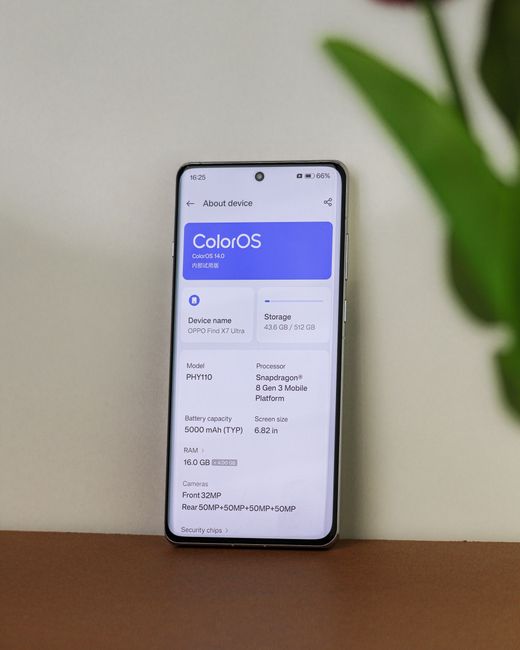
More Than Just a Number Reader

You've probably seen them before—apps that promise to unveil your phone's deepest secrets. Device Info: System & CPU Info by developer Yasiru Nayanajith is one of them. Version 3.4.1.7 landed on platforms like APKMirror, touting itself as a comprehensive hardware and software inspector. But does it deliver useful insights, or is it just another dashboard of intimidating numbers? The answer is more nuanced than you might think.
Most users assume these tools are for tech geeks alone. That's a mistake.
What Does It Actually Show You?

The app's interface is straightforward, dividing information into clear tabs. You get the expected rundown: device model, Android version, build number, and kernel details. It goes deeper into the CPU section, listing architecture, core count, clock speeds for each core, and supported instruction sets like ARMv8 or NEON.
It doesn't stop at the processor.
A Closer Look at System Monitoring
Where the app attempts to stand out is in its real-time monitoring capabilities. You can watch CPU usage per core fluctuate with live graphs—a feature that can be genuinely revealing when diagnosing a sluggish phone. It displays RAM breakdowns (total, used, free), storage partitions, and sensor data from your accelerometer, gyroscope, and magnetometer.
The battery section provides health estimates and temperature readings.
The Utility Question: Why Would You Need This?
For the average user checking social media and taking photos, this level of detail is overkill. It's fascinating but not essential.
However, its value becomes apparent in specific scenarios.
- Troubleshooting Performance: Is your phone overheating and lagging? Seeing one CPU core pegged at 100% while others idle points to a poorly optimized app or background process—not insufficient hardware.
- Pre-Purchase Verification: Buying a used phone? The app can confirm advertised specs like RAM and storage match reality, helping you avoid scams with doctored firmware.
- Developer & Tinkerer Use: For those rooting devices or installing custom ROMs, precise kernel and build information is critical for compatibility checks.
The data tells a different story from the assumption that these are just novelty apps.
The APKMirror Factor and Version 3.4.1.7
The version in question, 3.4.1.7, was distributed via third-party sites like APKMirror after its release.This introduces an important consideration: security.When you download an APK from outside the official Google Play Storesecurity, you bypass Google's automated security scans (Play Protect). While APKMirror has a strong reputation for verifying uploads,the responsibility for safety shifts more to you,the end user.It’s a trade-off for getting access to versions not yet on Play Store or for devices without Google Services.
Always ensure you're downloading from the official developer link when possible.
How It Stacks Up Against Competition
The market isn't short of alternatives.Apps like AIDA64 or CPU-Z are often considered the gold standards for hardware information.They offer similar data,sometimes with more polish and historical benchmarking features.Yasiru Nayanajith's app holds its own by being completely free without intrusive ads in its core functionality,and by presenting information in a clean,single-screen format that avoids feeling cluttered.It’s a focused tool rather than a Swiss Army knife.
For a deep dive into other diagnostic toolssystem utilities, our archive has several comparisons.
The Final Verdict on Device Info
Device Info: System & CPU Info 3.4.1.7 is a competent,specific tool.It excels at giving you a raw,x-ray view of your Android device’s internals.Its best use case is for diagnostic purposes—understanding why your device behaves a certain way,rather than just satisfying curiosity about chipset names.For that task,it is effective and straightforward.Whether you need it depends entirely on what you plan to do with the knowledge.If you're solving a problem or verifying hardware integrity,grab it.If you're just browsing,your phone's standard settings page will likely suffice.Remember,the most powerful diagnostic tool is often an informed user who knows what to look for.This app provides the map,but you still have to navigate.


Comments
Post a Comment